Reach the top of a large screen
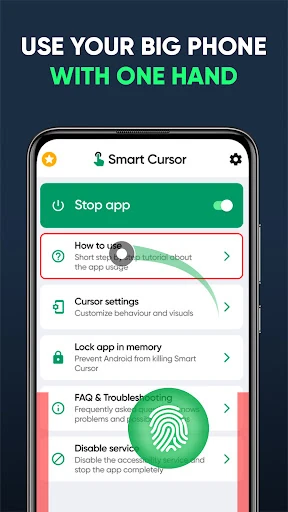
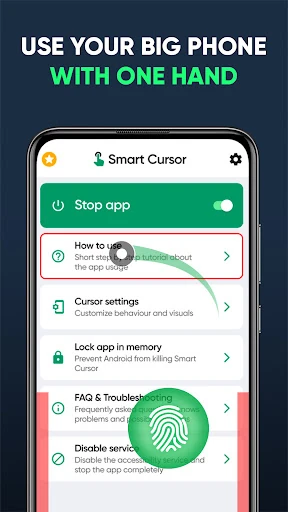
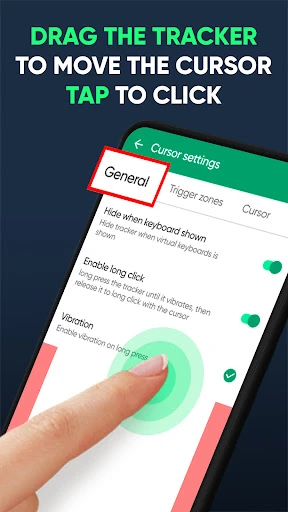
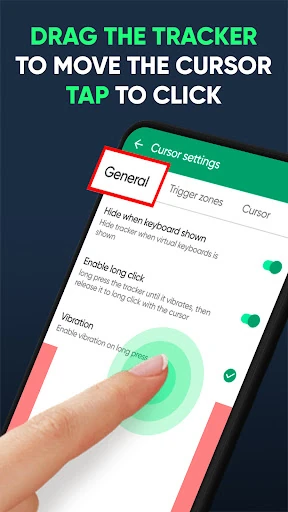
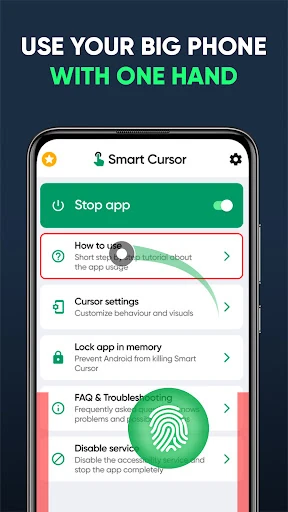
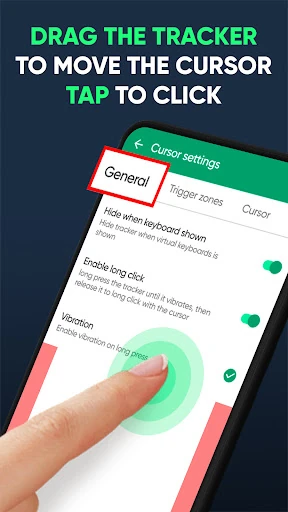
Mouse & Screen Cursor Touchpad adds a virtual cursor and touchpad-style control to Android. It is made for people who find one-handed use awkward on large phones, especially when buttons, menus or notification controls sit beyond an easy thumb’s reach. Instead of stretching across the display, you move the pointer from a lower-screen control area and use it to interact with the upper part of the screen.
Useful controls without changing your grip
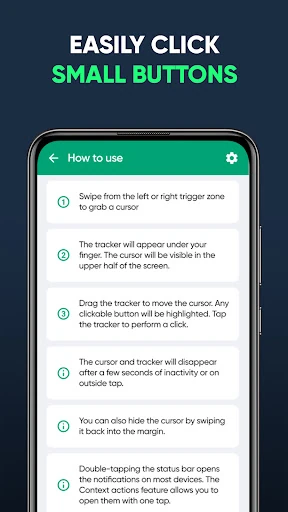
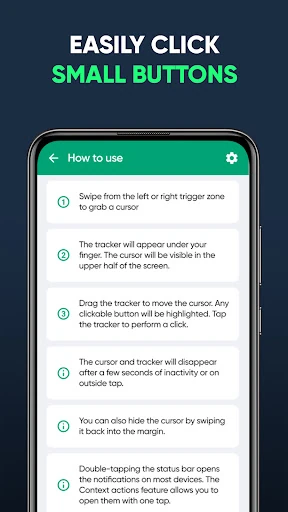
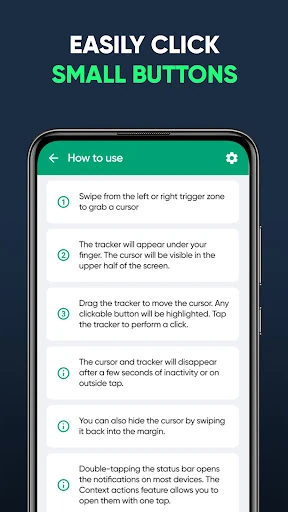
The app is built around a simple cursor overlay rather than a separate browsing interface. A swipe from the lower edge can bring up the control, while a Quick Settings tile provides another way to switch the service on or off. This makes it practical for occasional use: keep normal touch controls when you want them, then call up the cursor when a distant target is difficult to reach.
- Move a pointer around the screen from a lower touchpad area.
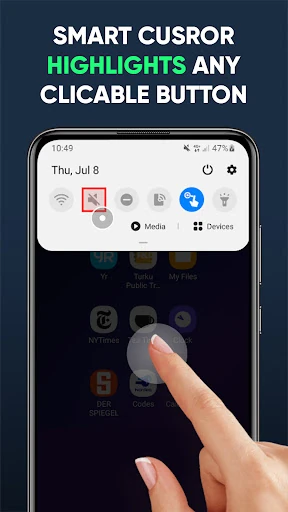
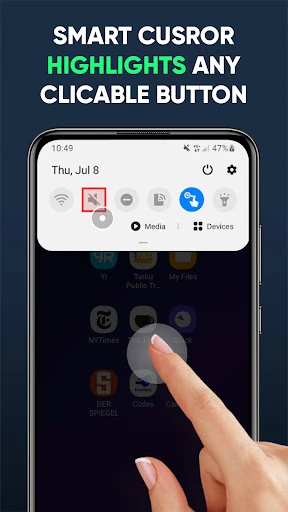
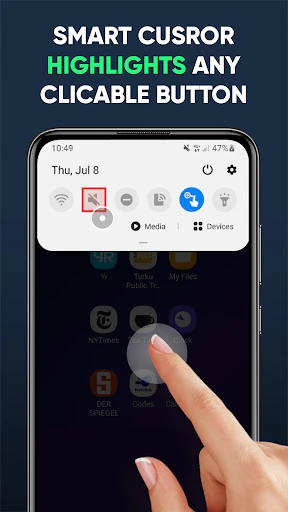
- Use cursor assistance for smaller or hard-to-reach controls.
- Activate the service with an edge gesture or Quick Settings.
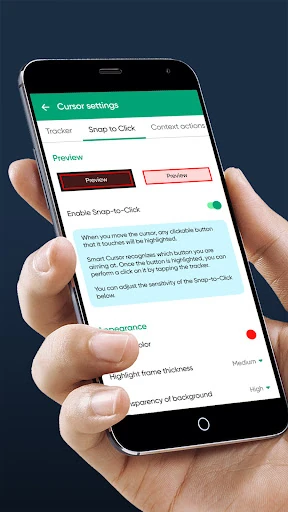
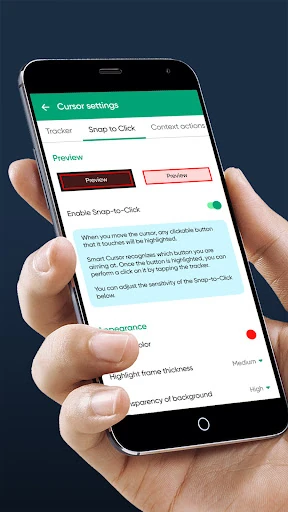
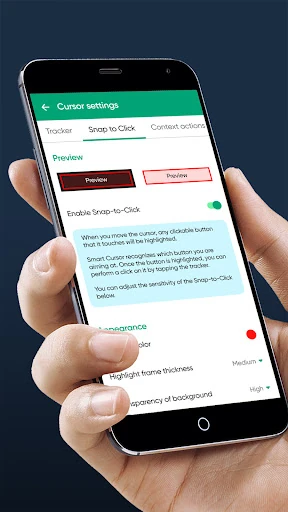
- Use snap-to-click guidance to help select interactive elements more accurately.
Who it suits
This is a focused tool for users with large-screen phones, limited thumb reach or a preference for desktop-like pointer control. It can also help when holding the phone in one hand makes reaching the top edge uncomfortable. The concept takes a little adjustment if you are used to direct touch, but the controls are based on familiar cursor and touchpad behavior.
At a glance
Developed by GREEN TECH SOLUTIONS, the app is listed in Tools and has a 4.2 rating from 624 reviews, with 50,000+ installs. Those figures suggest a defined audience has found value in its approach: making remote parts of a tall Android display easier to control.