Click to download now, finish the installation quickly, and directly unlock the all-round experience
Screenshots
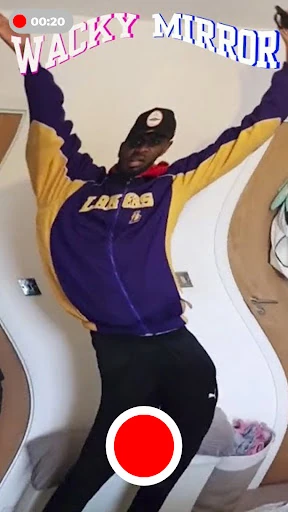


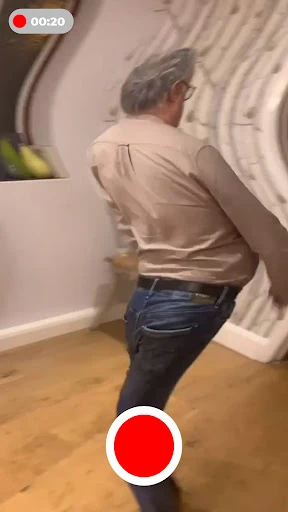
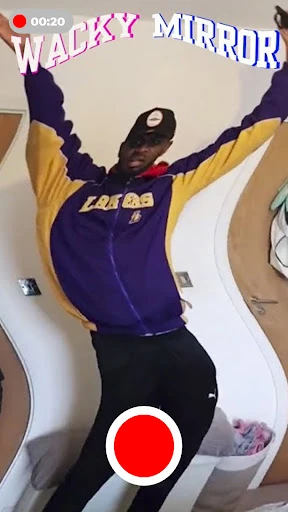


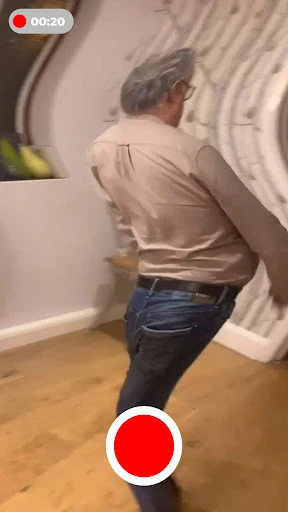


Click to download now, finish the installation quickly, and directly unlock the all-round experience
Wave Filter: Wacky Mirror Cam is a camera and editing app for making photos and videos look fluid, stretched, and deliberately strange. It suits anyone who wants quick visual jokes, unusual selfies, or short clips with a distorted “wacky mirror” effect rather than a standard camera result.
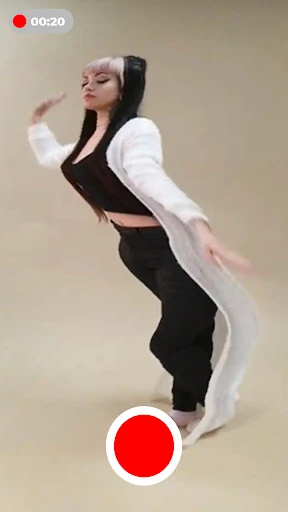
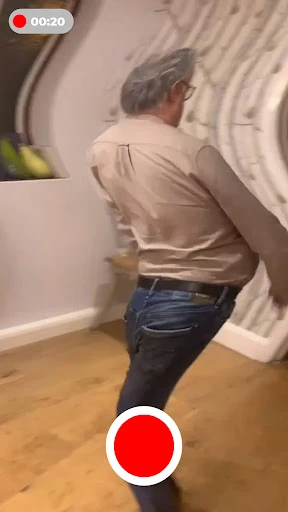
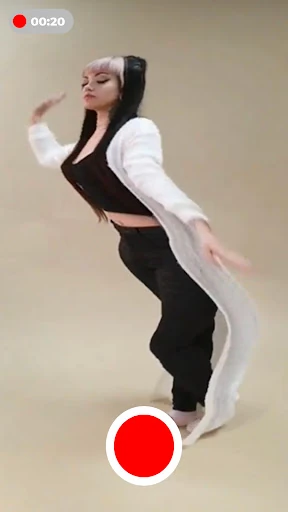
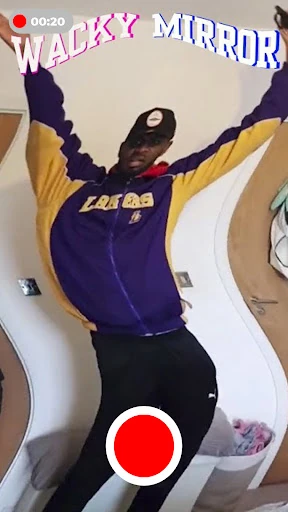
The app bends movement into a rolling, liquid-like motion. Faces can appear stretched or warped, while walking, dancing, pets, and everyday gestures take on a loose ripple effect. The result is closer to a playful visual filter than a conventional beauty camera: the point is to make familiar footage look unexpected.
Wave Filter keeps the process focused on capturing the effect. Open the camera, try different movements in the live preview, record when the distortion looks right, and save the finished result to your phone’s gallery. There is no need to build a complicated edit or learn a full video editor first, making it a practical choice for casual experiments and quick one-off creations.
With a 4.5-star rating from 988 reviews and 100,000+ installs, the app has found an audience among Android users looking for novelty camera effects. It is listed in the Beauty category and developed by MAA FOR APPS. Choose it when you want a deliberately wobbly, face-warping look for photos and videos, not polished portrait retouching.