Click to download now, finish the installation quickly, and directly unlock the all-round experience
Screenshots

Click to download now, finish the installation quickly, and directly unlock the all-round experience
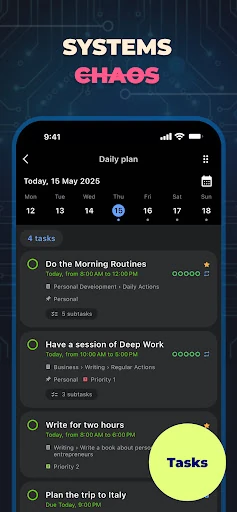
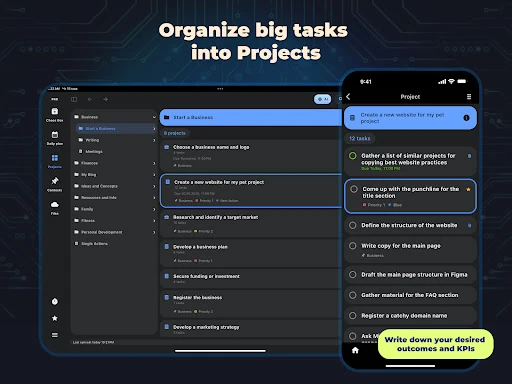
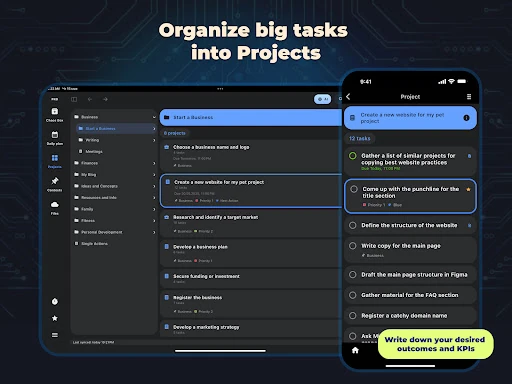
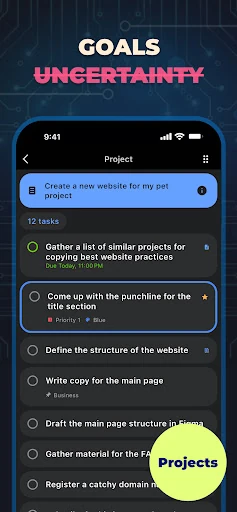
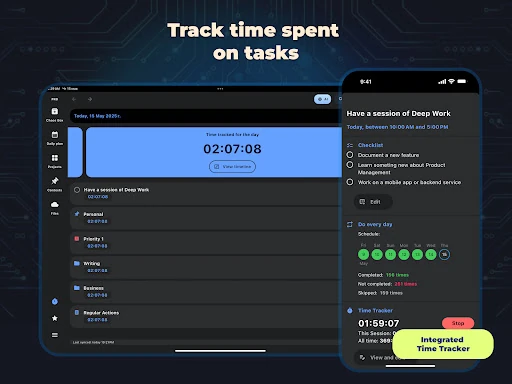
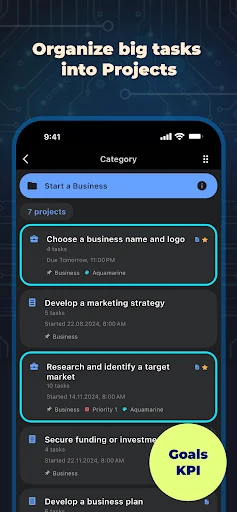
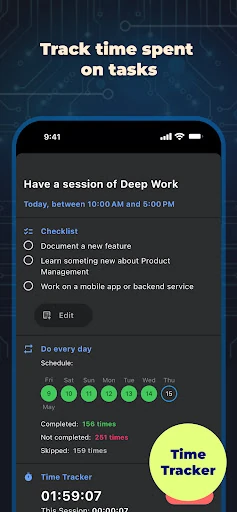
Chaos Control 2: AI Organizer is a productivity app for turning loose notes and unfinished ideas into organised work. It suits people managing several projects at once, as well as anyone who needs a reliable place to capture tasks before deciding what to do with them. The app combines task lists, project structures, checklists, goals, and supporting files in one workspace.
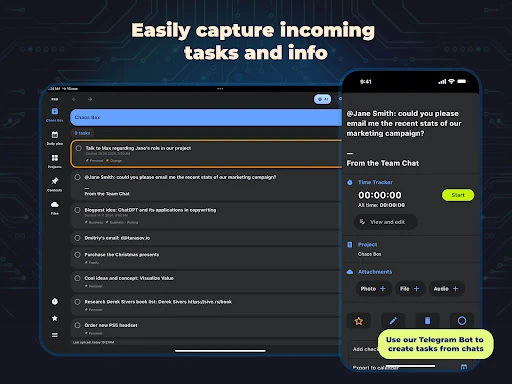
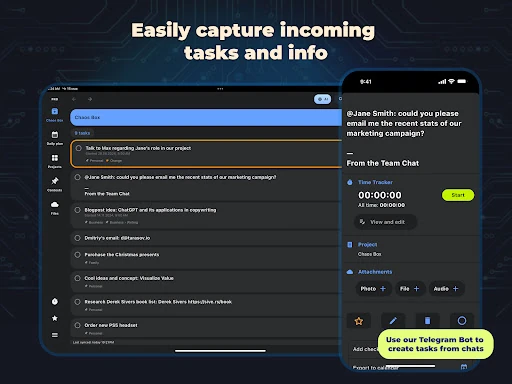
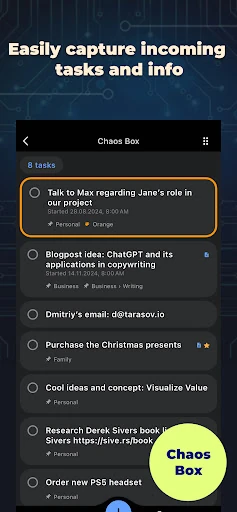
The Chaos Box gives you a quick inbox for recording tasks, reminders, and ideas without interrupting what you are doing. You can then sort those entries into projects, categories, and smaller checklists. That approach fits GTD-style planning: get thoughts out of your head, then turn them into clear next actions.
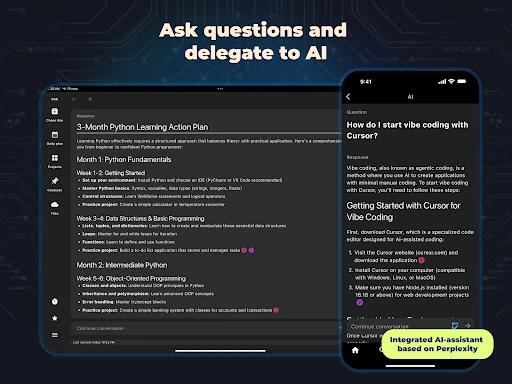
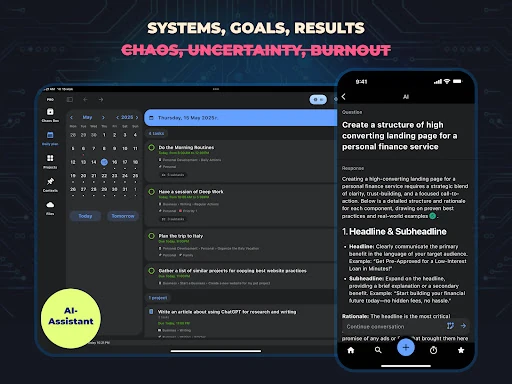
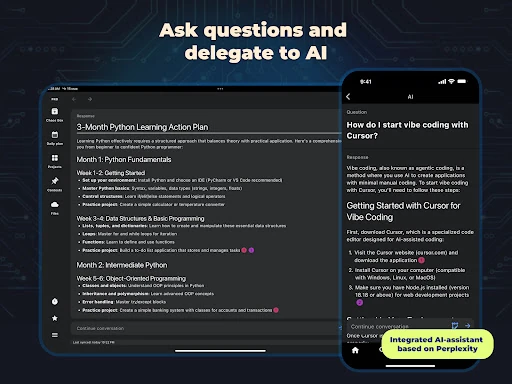
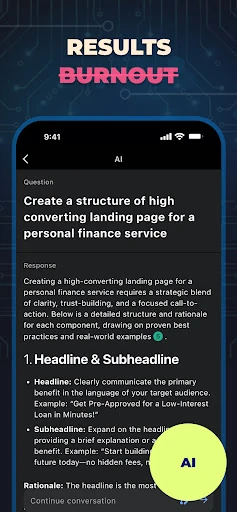
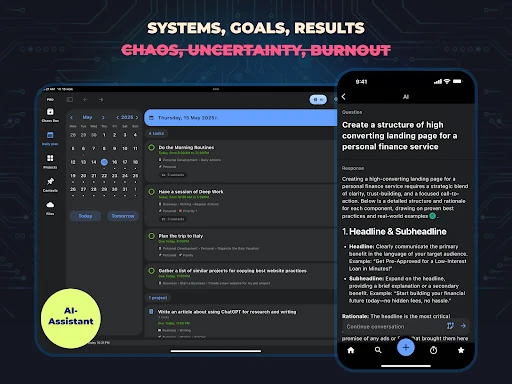
Its AI assistant can help draft documents, prepare action plans, and summarise information. This is most useful when a project is clear in your mind but still needs to be broken into practical steps. Telegram integration adds another capture route, letting you send relevant messages into your task flow instead of copying them across apps manually.
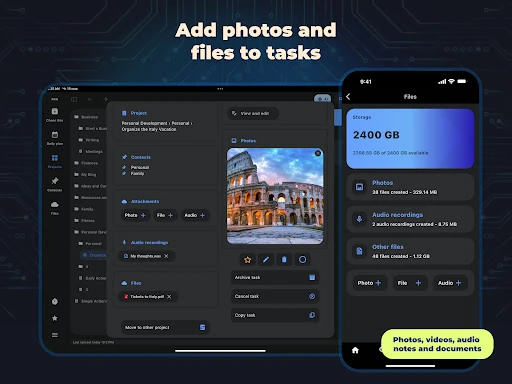
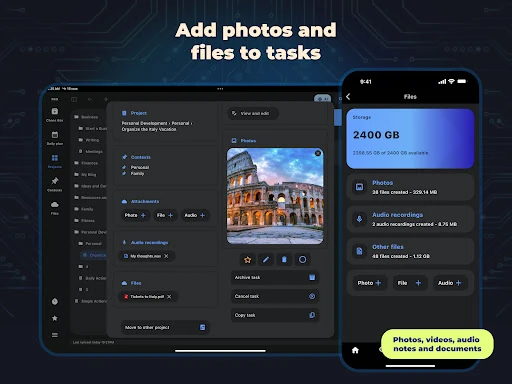
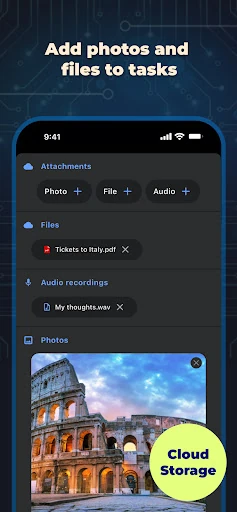
Tasks can hold attachments such as photos, voice memos, and documents, keeping reference material beside the work it supports. The app also provides cloud storage and synchronisation for moving between devices. Chaos Control is the developer, and the app has a 4.32 rating from 997 reviews with 50,000+ installs. It is a good fit for users who want more structure than a basic to-do list, without splitting planning, notes, and project details across several separate tools.