
Click to download now, finish the installation quickly, and directly unlock the all-round experience
Screenshots

Click to download now, finish the installation quickly, and directly unlock the all-round experience
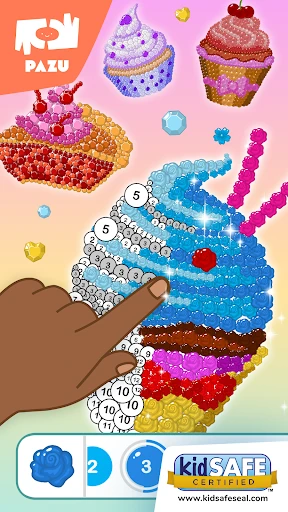
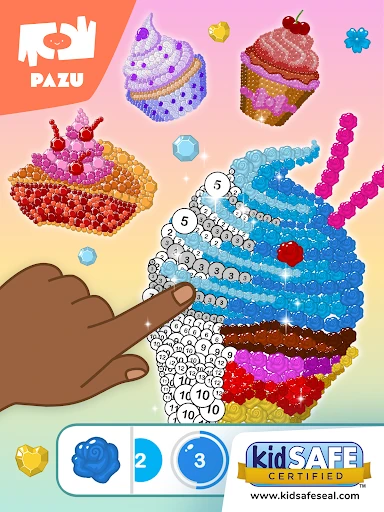
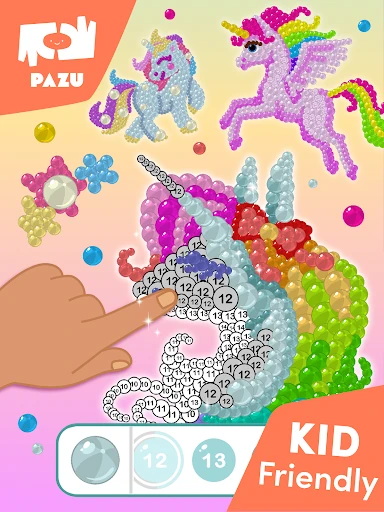
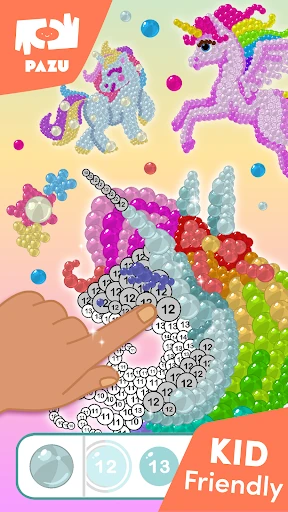
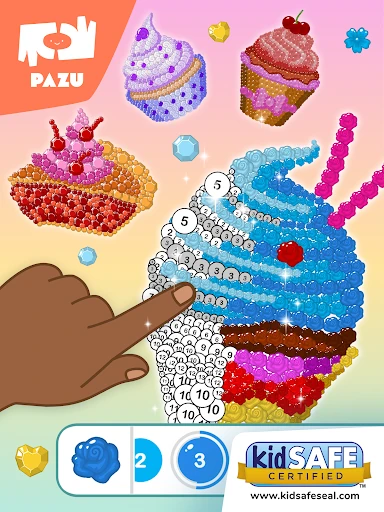
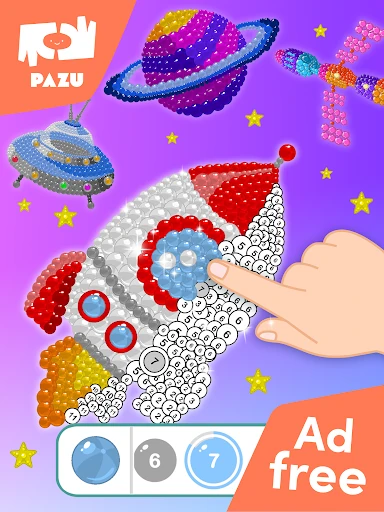
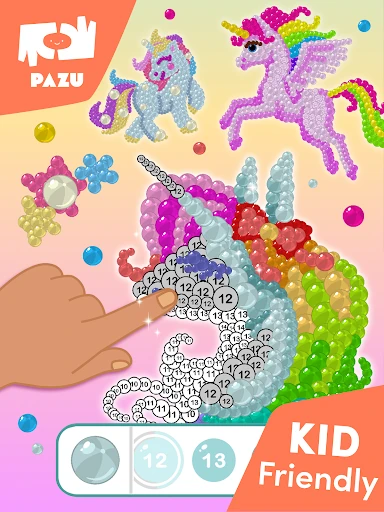
Pixel coloring games for kids turns coloring into a simple number-matching activity. Children tap numbered sections in a pixel-style picture and fill them with the corresponding colors. It suits preschool and early elementary users who enjoy guided creative play, as well as parents looking for a quiet activity with a basic learning element.
The app gives children a clear structure instead of asking them to start with a blank page. Matching numbers with colors can support early number recognition, color association, and careful tapping. The pixel format also makes each picture feel like a small puzzle: children work through individual sections until the image is complete.
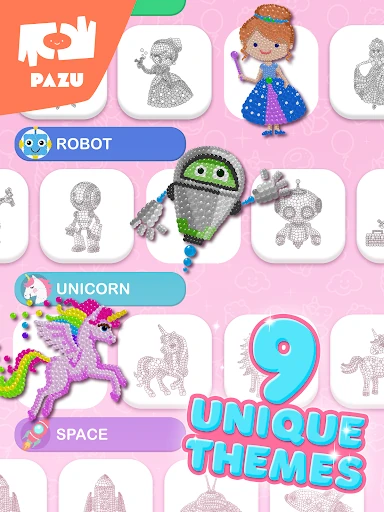
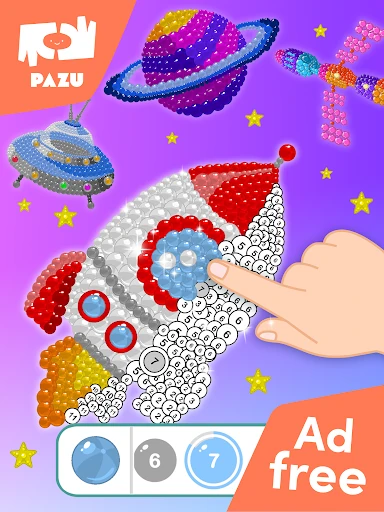
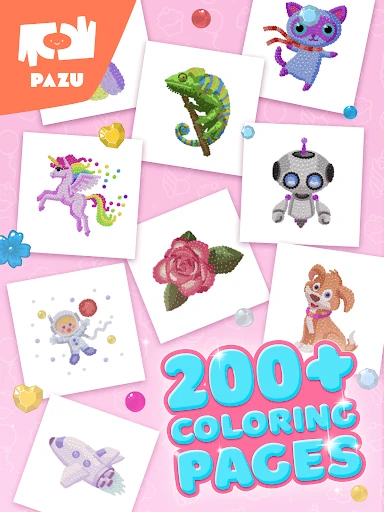
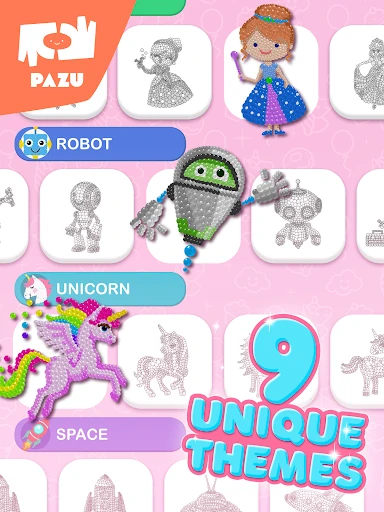
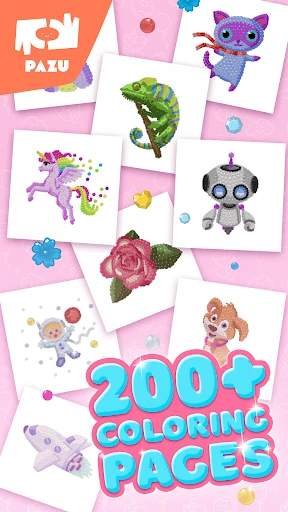
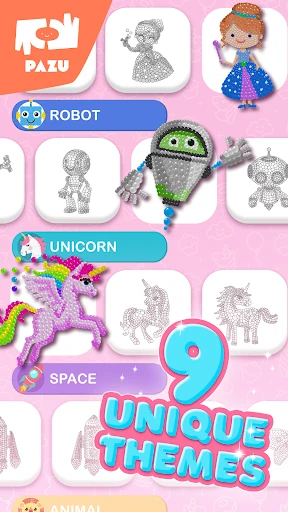
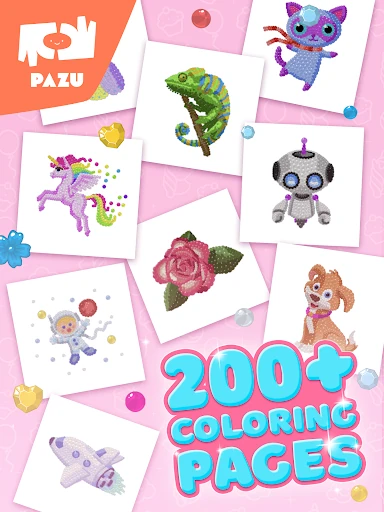
Its picture subjects are aimed at varied interests, with examples including princesses, unicorns, robots, and space scenes. That range gives children different designs to try rather than repeating one type of image. The guided format is also suitable for short play sessions when a child wants something creative without complicated controls.
Pixel coloring games for kids has more than 1,000,000 installs and a rating of 3.575 from 1,298 reviews. That suggests a substantial audience, while the middling score is a reason to keep expectations measured. If a child prefers clear goals and tap-to-fill coloring, the app offers an accessible starting point. Children looking for open-ended drawing may find the numbered pixel format more restrictive.